How to use a seating chart template
- Pick a template. Choose one below by table layout, occasion or app, or start with the chart above.
- Make it yours. In the chart above, press Use this layout to keep the room and clear the example names, then change the tables and seats.
- Add the names. Paste or import your list above, or print a template and write the names in.
- Seat everyone. Press Smart arrange to seat everyone by your rules, then drag anyone you want to move.
- Print it. Download the PDF floor plan, a sign for the entrance or place cards.
The chart above is an editable seating chart template: a reception with round tables of 8, a head table and a dance floor. Pick another example, or press Use this layout and make it yours. Every template below is free to download.
Quick downloads
- Round table of 10: PDF, Letter · PDF, A4
- Long table of 12: PDF, Letter · PDF, A4
- Wedding, 8 tables of 10: PDF, Letter · PDF, A4
- Classroom, 30 desks in rows: PDF, Letter · PDF, A4
- Editable: Excel guest list · Word A–Z list · PowerPoint
Seating chart templates by table layout

One table of 6, 8, 10 or 12 with numbered seats. PDF and Word.
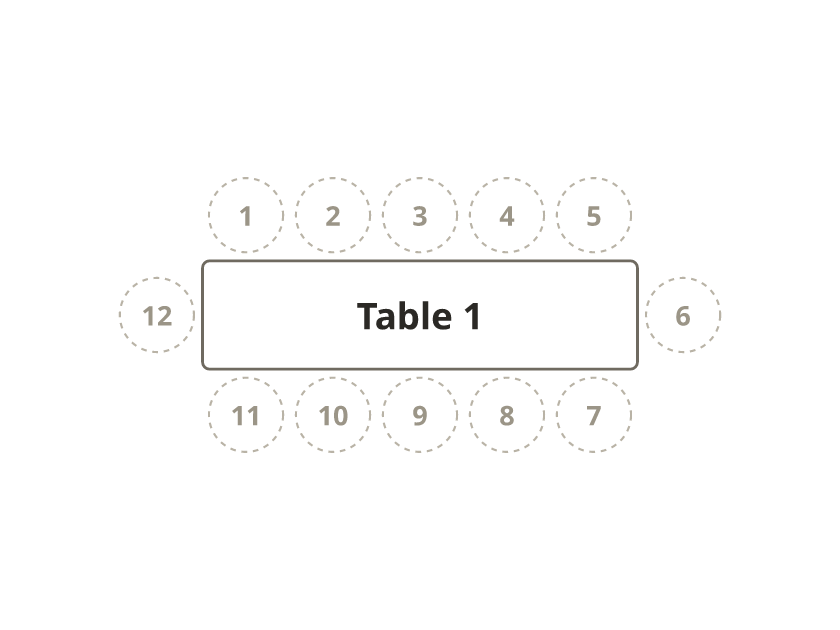
One table of 12 or 20, two tables, or a banquet for 68. PDF.
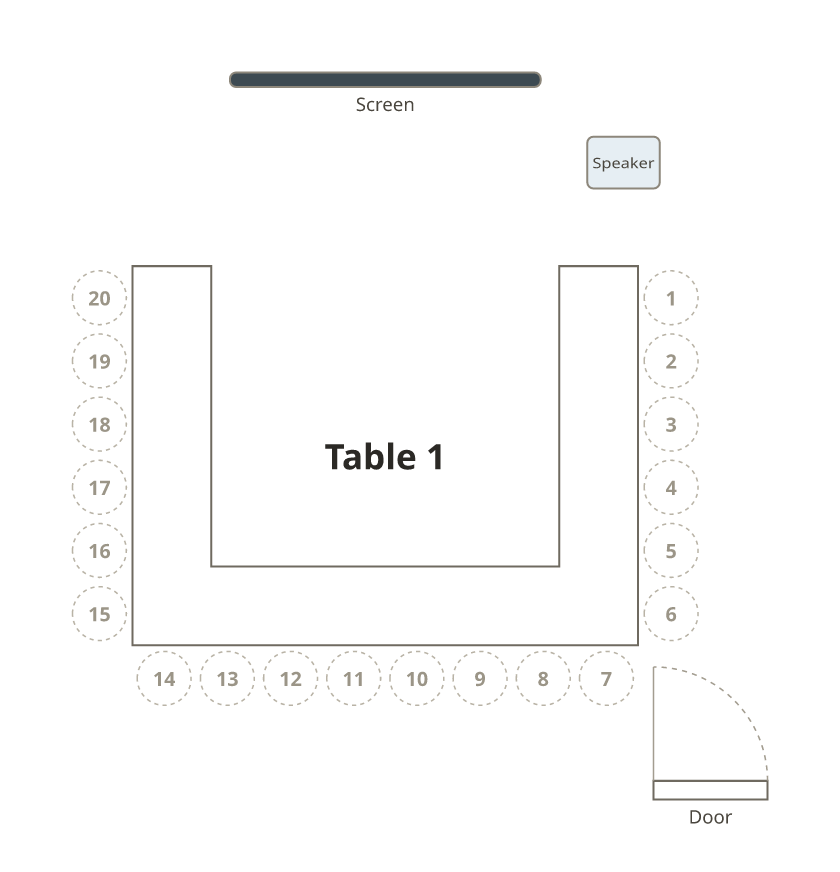
A meeting table, a banquet U and a classroom double horseshoe. PDF.
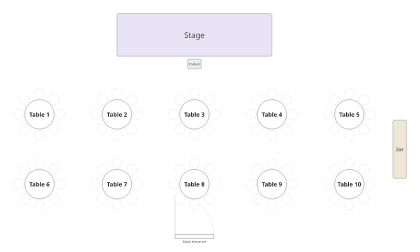
Round tables, long tables and theater rows, with fill-in pages. PDF.
By occasion
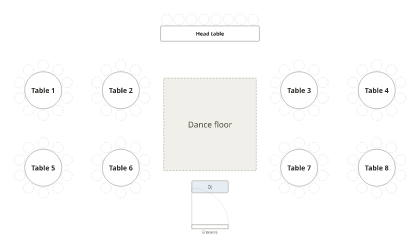
8 to 20 tables with a head table and dance floor. PDF, Excel and Word.
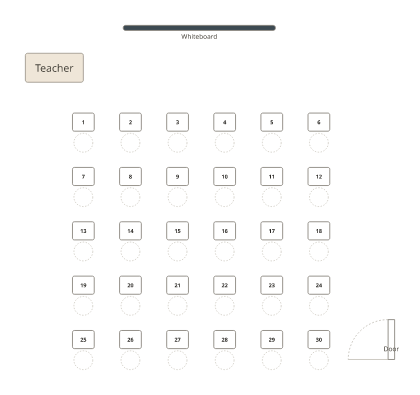
Rows, pairs, groups of four and a U-shape. PDF, Word and Excel.
By app
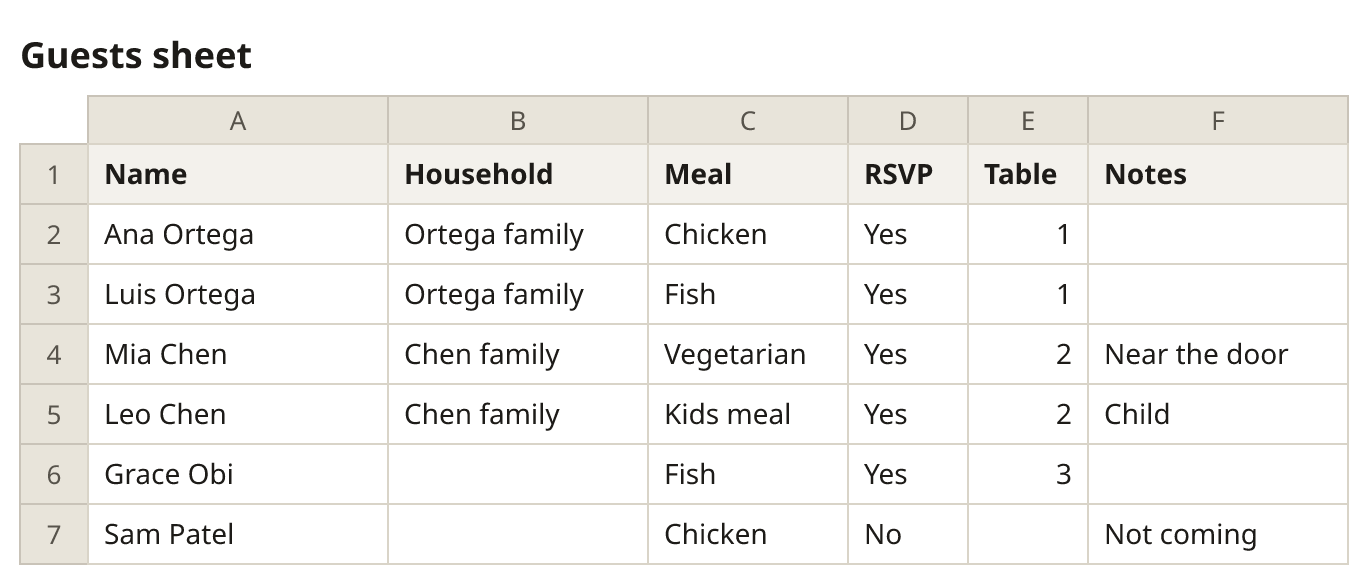
A guest list that counts the free seats at every table.
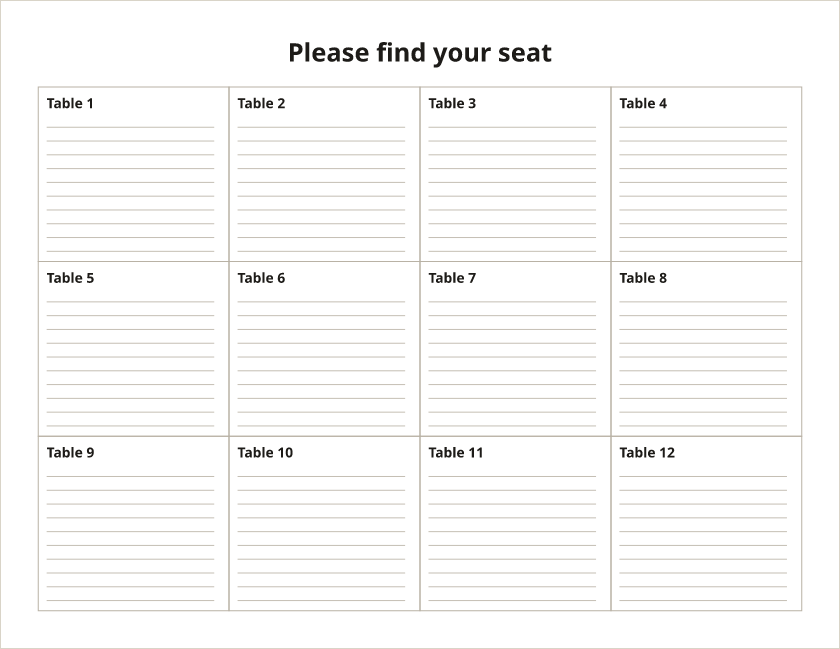
An A–Z find-your-seat list and a chart by table.
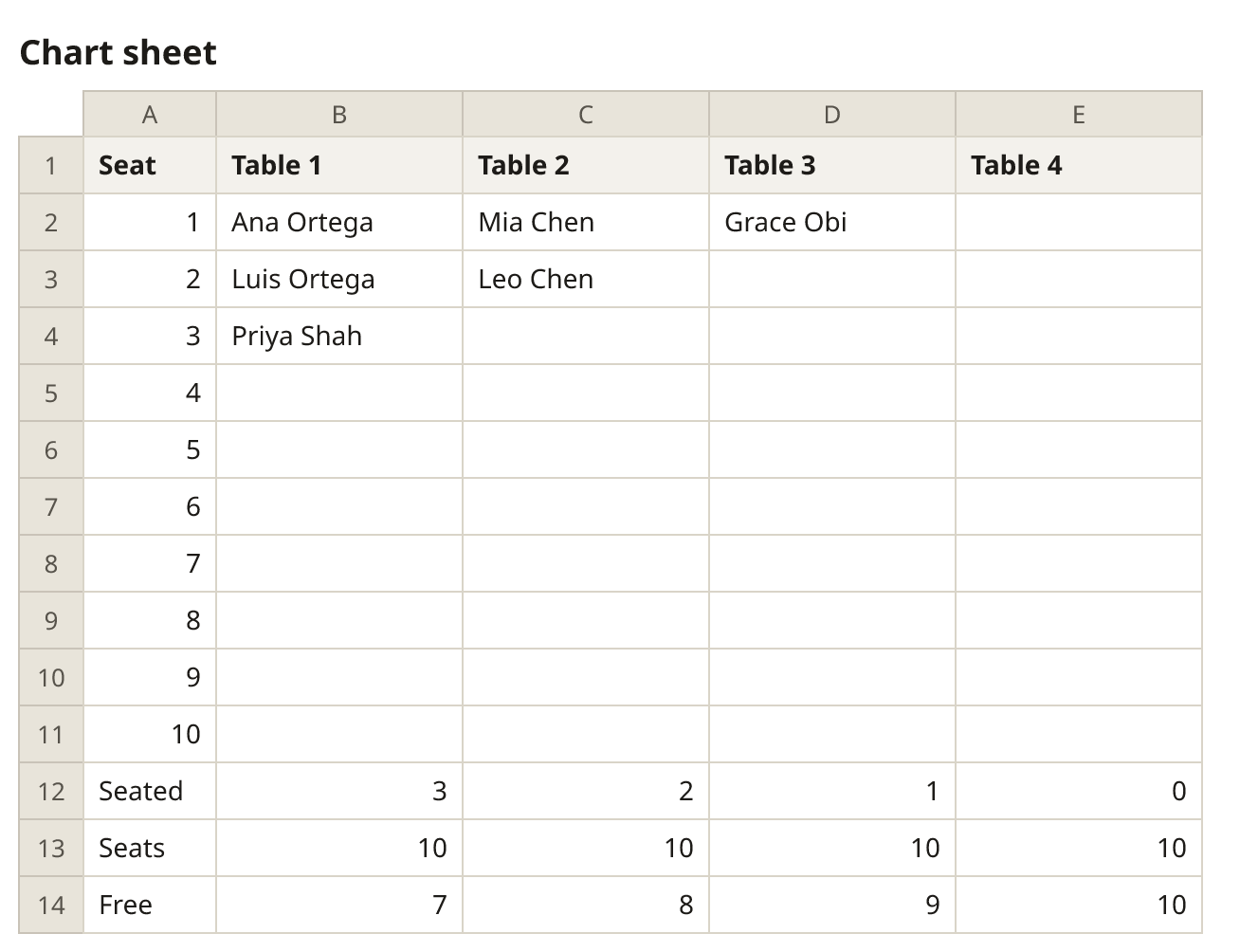
A chart that finds every guest’s table and seat.
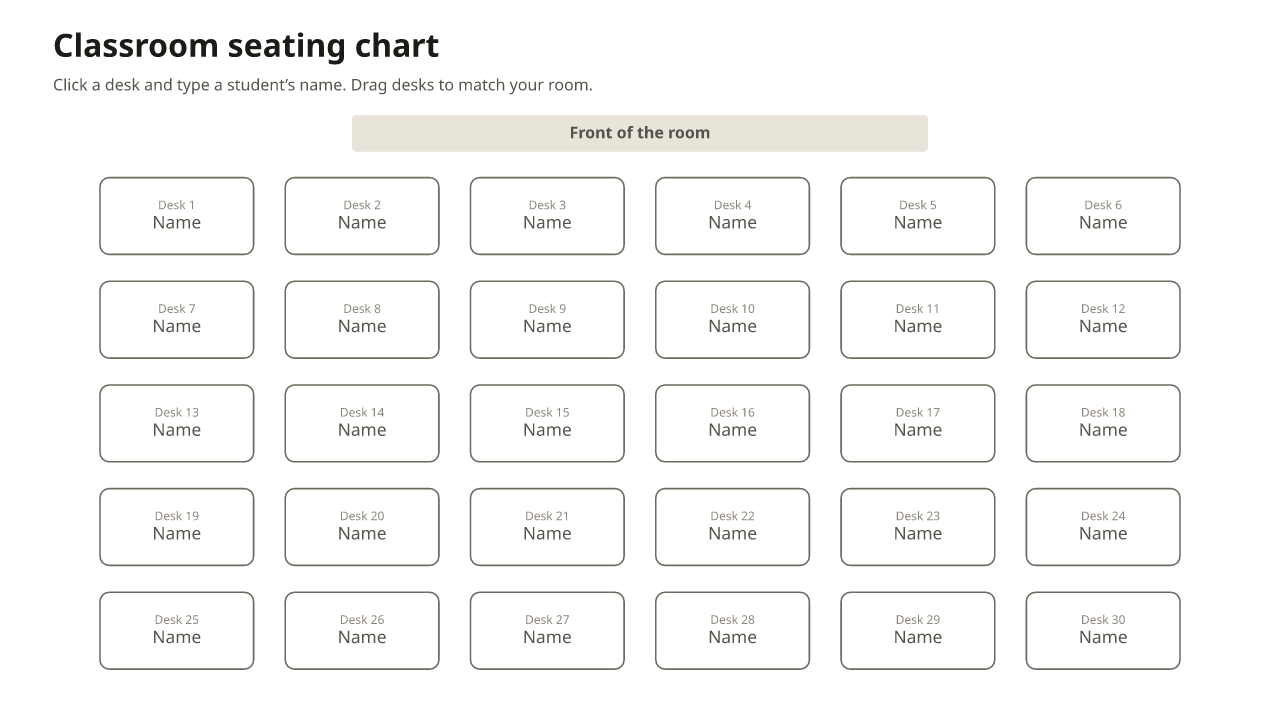
A classroom, round tables and a sign. Opens in Google Slides too.
Which seating chart template should I use?
| If you want to… | Use |
|---|---|
| Seat everyone without doing it by hand | The chart above: paste your list, press Smart arrange |
| Print a chart and write the names in | A printable PDF: round tables, long tables, U-shape or blank |
| Keep the guest list in a spreadsheet | Excel or Google Sheets |
| Type a sign for the entrance | Word or PowerPoint |
| Show a class chart on the board | PowerPoint or Google Slides, or the classroom template |
New to seating charts? Read how to make a seating chart, then pick a template. For the sign at the entrance, see what size to print it.
Frequently asked questions
Is there a free seating chart template?
Yes. Every template here is free, with no sign-up and no watermark: the online chart above and the PDF, Word, Excel, Google Sheets and PowerPoint downloads.
What’s the easiest seating chart template to use?
The online one above: paste your guest list and press Smart arrange, and it seats everyone and prints the plan. For a quick chart by hand, print a blank PDF.
Is there an editable table seating chart template?
Yes. In the chart above you can add, move and resize tables and change their seats. The Word, Excel, Google Sheets and PowerPoint files are editable too.
Do you have templates for tables of 8 or 10?
Yes: one round table of 8 or 10 to print, Word lists for rooms of tables of 8 or 10, and wedding rooms with 8 to 20 tables of 8 or 10. See the round table templates.
Is a seating plan template the same as a seating chart template?
Yes. “Seating plan” is the usual British term and “seating chart” the American one; a seating arrangement template is the same idea. Seating plan or sitting plan?
Which formats are the templates in?
PDF on Letter and A4, Word (.docx), Excel (.xlsx), and PowerPoint (.pptx). The Word, Excel and PowerPoint files open in Google Docs, Sheets and Slides.