Joy Wedding Seating Chart: an Honest Comparison
Joy’s seating chart is built into its wedding website and guest list. What it does well, what it costs, and when a free seating chart generator fits better.
Checked on October 18, 2026, from Joy’s help centre article on the seating chart. Features and prices change; check their site. This site isn’t affiliated with Joy.
The short answer
- Joy’s seating chart is a capable tool inside a Joy wedding account, sold as a one-time purchase per event. It’s a strong choice if your website and RSVPs are already on Joy.
- A seating chart generator is free, needs no account, works with any guest list and adds the sign and caterer lists.
Where Joy is better
- Connected to your RSVPs. Attending guests appear ready to seat, and meal choices from your RSVP questions feed the meal counts.
- Automatic seating that keeps parties together, filling only open seats or reseating everyone, and offering to add tables when you run short.
- Templates and room settings: start from a template by event type, set the room size, units and grid, and colour tables.
- Version history and collaborators, so you and your partner can work on the same chart and restore earlier versions.
Where a seating chart generator is better
- Free and no account. No purchase per event; your plans stay in your browser.
- Any guest list. Paste from a spreadsheet, another wedding site or your notes.
- More rules. Keep two guests apart, keep a group together, seat someone near the head table, plus households kept together.
- The sign and lists from the same plan: an A–Z list for the entrance, per-table lists with meal counts, and a printable sign or mirror lettering.
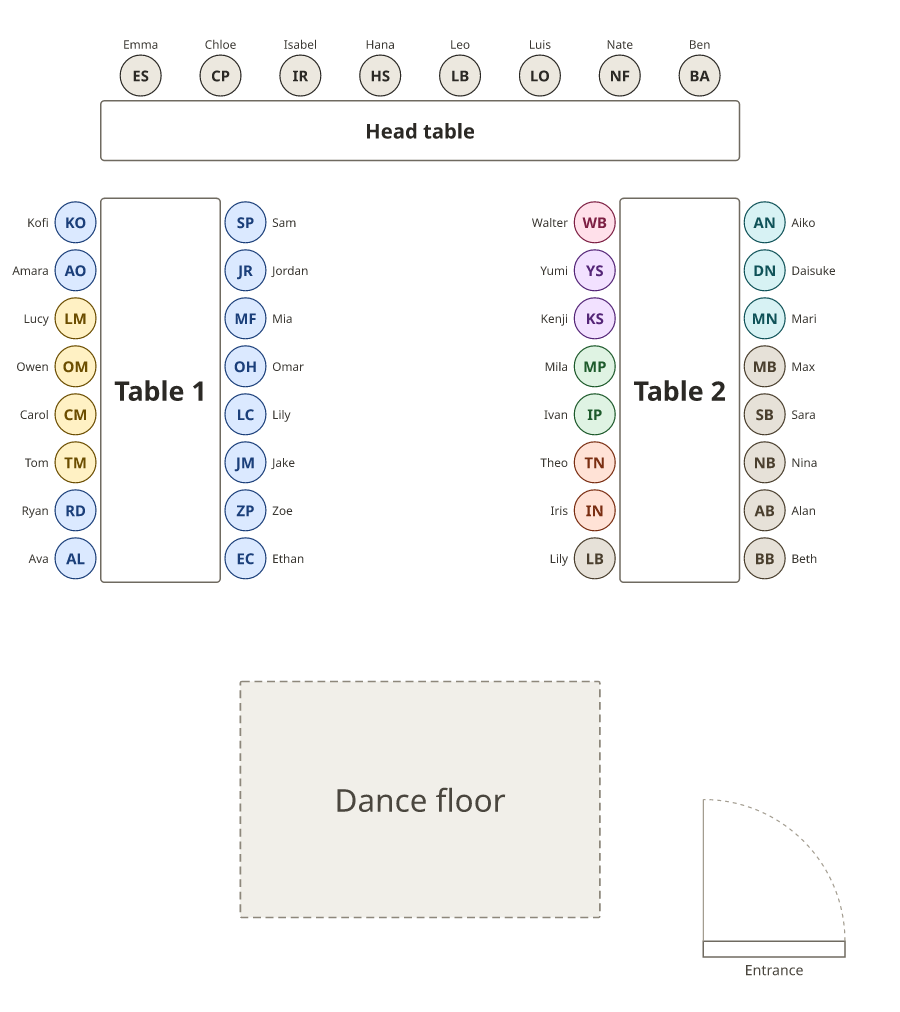
Side by side
| Feature | Joy | Seating chart generator (this site) |
|---|---|---|
| Cost | One-time purchase per event | Free |
| Account | Joy event account | None |
| Guest list | From your Joy guest list and RSVPs | Pasted or imported from a spreadsheet |
| Automatic seating | Seat Guests, keeps parties together | Smart arrange with apart, together and near rules |
| Working together | Collaborators and version history | Read-only link; one person edits |
| Downloads | Meal count CSV, table CSV, PDF floor plan | PDF floor plan and lists, sign, PNG, SVG, CSV |
How Joy’s seating chart works
- In your Joy event dashboard, open Guest List, then Seating Chart, and unlock it for your event.
- Start from a template or a blank room; set the room size and add tables, a dance floor, bar or buffet.
- Drag guests into seats, or use Seat Guests to place them automatically.
- Download the meal counts and table assignments for your caterer and the PDF floor plan for your venue.
Comparing other wedding sites? See our Zola, WeddingWire and The Knot comparisons.
Frequently asked questions
Is Joy’s seating chart free?
According to Joy’s help centre, the seating chart is a one-time purchase per event. You can explore a sample floor plan before buying; your real guests appear after you unlock it.
Where is the seating chart on Joy?
In your Joy event dashboard, under Guest List, then Seating Chart. It uses the guests from your Joy guest list.
Does Joy seat guests automatically?
Yes. Joy’s “Seat Guests” places guests for you, can fill only open seats or reseat everyone, and can keep parties together. You can also drag guests by hand.
What can I download from Joy’s seating chart?
A meal count CSV for your caterer, a table assignments CSV, and a PDF floor plan with guest names for your venue.
Is there a free alternative to Joy’s seating chart?
Yes. The wedding seating chart generator here is free with no account: paste your guest list, let Smart arrange seat everyone by your rules, and print the plan, lists and sign.